YouTube thumbnail downloader: a clear guide to Thumbi.one
Download available YouTube thumbnails with Thumbi.one, choose a useful resolution, and build a thoughtful thumbnail reference workflow.

Thumbi.one at a glance
Use it to: get a YouTube thumbnail.
- Input
- YouTube video URL
- Output
- Available thumbnail images
Not every video has every thumbnail size.
Jump to the steps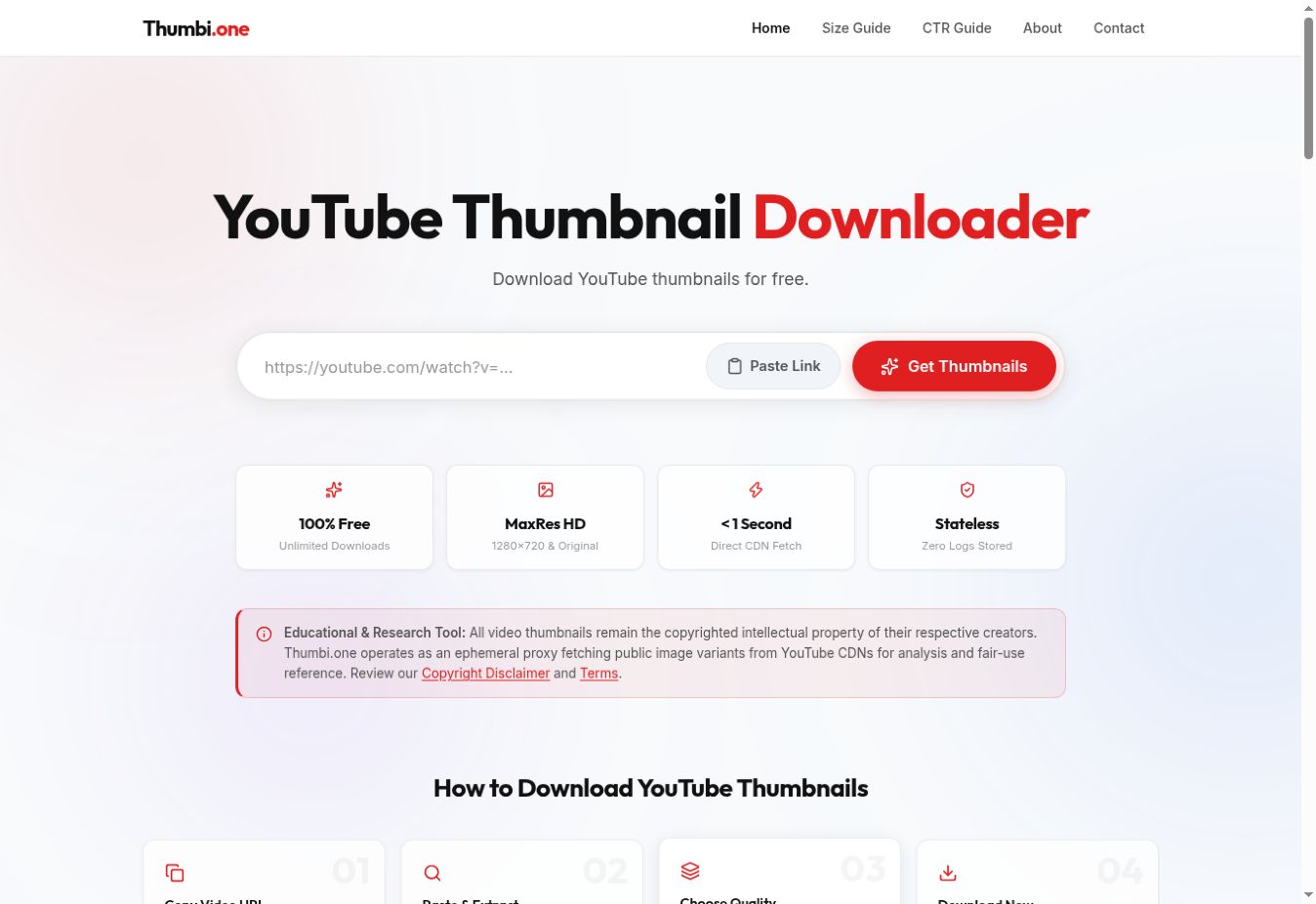
What is Thumbi.one?
Thumbi.one is a YouTube thumbnail downloader that accepts a video link and presents available thumbnail sizes. It is useful for retrieving a cover from your own channel, organizing a visual content audit, or studying a thumbnail with the appropriate permission.
A thumbnail download is different from a screen capture of a YouTube page. The page capture can include player controls, surrounding content, and scaling from your display. A thumbnail tool is intended to retrieve the image associated with the video, making the result easier to inspect as an individual asset.
How to download a YouTube thumbnail
- Copy the video URL. Start with the specific video whose thumbnail you need.
- Open Thumbi.one. Paste the link into the YouTube video field and select Get Thumbnails.
- Review the available sizes. Choose an image that suits your intended display or reference use.
- Save and identify it. Keep the video title or ID in your filename, together with a note containing the source URL.
Choose a useful thumbnail resolution
Start with the largest available version when you need to examine typography or fine detail. Then view it at a realistic small size. A cover that looks impressive when enlarged may lose its central idea when shown among other videos.
Do not assume that every video has every size. The presence of a high-quality option depends on what is available for that source. If the returned image is smaller than you expected, use its actual dimensions as your reference rather than relabeling it as a larger format.
If you need consistent preview sizes for a presentation or private audit, resize copies after downloading. Keep the original retrieved files separately, and use the Resize.one guide to prepare a consistent set without stretching different shapes.
Build a better thumbnail review
For your own channel, gather a small group of videos with a similar subject. Put their thumbnails next to each other and note what the viewer can understand immediately. Is there one clear focal point? Is the text readable? Does the image communicate something useful alongside the title?
Write observations before redesigning. For example, “The product is difficult to distinguish at small size” suggests a specific change. “Make it more viral” does not. Keep the video topic and viewer expectation in mind; a thumbnail should accurately introduce the content it represents.
Looking at an image alone cannot explain a video’s performance. Topic, title, audience, timing, and distribution also affect results. Use the visual audit to develop ideas rather than claiming a design feature guarantees more clicks.
When a thumbnail is missing or unexpected
Confirm the video link and compare the returned image with the intended video. A copied playlist or channel URL may not identify the asset you want. If the best-quality variant is unavailable, inspect the other options instead of repeatedly requesting a nonexistent size.
If the downloaded file opens normally but looks soft at large size, you may be viewing it beyond its native dimensions. Work at a suitable scale or use your own original thumbnail artwork when available.
Frequently asked questions
Can Thumbi.one retrieve a video itself?
Its role in this collection is thumbnail retrieval. For a different task, choose the corresponding tool rather than assuming a thumbnail downloader also saves videos.
Can I use another creator’s thumbnail as my own?
Retrieving an image does not transfer ownership. Create your own artwork or obtain the permission needed for your intended use.
Is the largest size always necessary?
No. Choose a version that fits the destination. Keep a larger source copy if you need it, then make smaller derivatives for specific layouts.
Try Thumbi.one for your next task.
Open Thumbi.one ↗Product details and screenshot checked against Thumbi.one’s official page on September 22, 2026. This guide is part of Moor’s own tool collection, not an independent ranking or a performance benchmark. The 2027 edition is a planning collection; features may change.